Using the Latency Test
Compare the RTT from every PoP to your backend to pick the best CNAME region.
The Latency Test is a built-in tool that pings your backend from each Infinity-Filter PoP and reports the round-trip time. Run it before you choose a CNAME region.
Where to find it
Open Test the latency at the bottom of the Configuration card of Network → Overview, or Perform test on the Latency Test card of Network → Domains. Pick one of your backends — or turn on Select backend manually to type an IP — and click Launch Test.
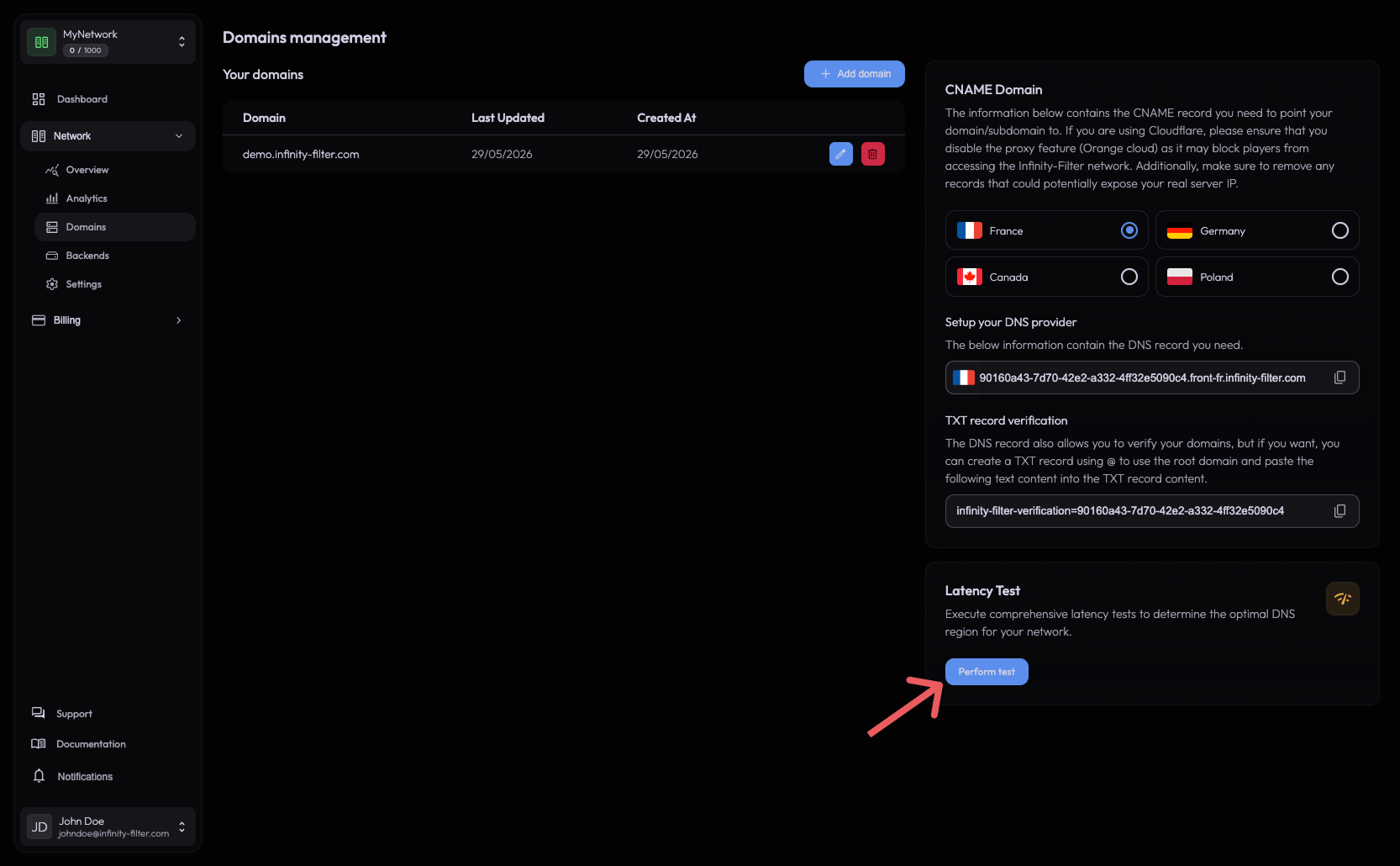
The tool accepts a raw IP — you don’t need to have a domain registered, configured, or verified to use it. The guided setup runs the same measure on its Address step.
What it does
The test sends ICMP packets from every PoP to the IP you provide and waits for the echo reply.
How to read the results
Each card is one region, with:
- Estimated ping of your players — the total: from you to Infinity-Filter, then from Infinity-Filter to your backend (both shown under it).
- A Good / Bad badge.
The region with the lowest total is shown at the top as the Recommended region — choose it for the CNAME of your Java domains (Go to Java domains). The Latency Chart below shows every ping, to spot a region that varies a lot.
When ICMP is blocked
If you see We can't ping your backend, please allow ICMP for the test to proceed., your backend’s firewall is dropping ICMP packets. Temporarily allow them:
# Temporary — accept ICMP for the test.
iptables -I INPUT -p icmp -j ACCEPT
# Edit /etc/ufw/before.rules and ensure the ICMP echo-request rule is allowed.
# Then:
ufw reload
firewall-cmd --permanent --add-icmp-block-inversion
firewall-cmd --reload
Re-run the test. You can revert the ICMP rule once you’ve decided on a region — Infinity-Filter doesn’t need ICMP for gameplay traffic.
Diagnostic tips
- If only one PoP can reach your backend and the others can’t, check whether your backend firewall is allowlisting only one IF subnet. New subnets get announced in the Discord — update both your cloud-provider firewall and host firewall.
- If every PoP times out, the backend is firewalled or down. Verify the IP is correct and the port is open.
- If RTTs look much higher than expected (e.g. 100 ms+ between two EU PoPs), the path is likely going through a sub-optimal transit. This is usually transient — re-test in a few minutes.
What’s next
Last updated: October 24, 2026